

Black belt in Mikado, Photo model, for the photos where they put under ‘BEFORE’
- 58 Posts
- 715 Comments


Any TV nowadays is a smart TV, dumb TV are not longer exist since several years, but I don’t think that the TV can connect to the Neighbours WiFi (so smart to crack the passcode, normally long as my arm, my router even with an inbuild Firewall, well…), and even if it is the case, they log the activity of the neighbours WiFi, not mine. There isn’t any network activity in my TV, apart watching 99% Public TV which don’t have ads in most EU countries (because of this, movies in EU public TV are country restricted, I can watch these only in the PC, visiting their homepage using an Proxy with an server of the corresponding country).
Desktop app Portmaster


Yes, using it since 10 years as main browser. It’s the most advanced browser out there, good privacy, great ethics to the user by this EU company (employee owned cooperative in Norway), perfect transparency, great community, and yes it isn’t OpenSource, but source available (https://github.com/ric2b/Vivaldi-browser, https://vivaldi.com/source/), the proprietary part (5% of the UI script is 100% auditable and even moddeable by the user, in the forum they show how (naturally at own risk)). It’s Chromium based (de-googled), but not a simple fork like other.
The best is Portmaster, it monitors individually all traffic from installed apps and even the one form the OS itself, with the option to block what you don’t like, DNScrypt with a big filterlist and optional an (paid) SPN service (VPN which allowed to use different servers depending on the website). IMHO better and easier to handle as Pi-Hole, which don’t permit individual per app settings.

If you have to use Windows, there are at least two mandatory apps
I don’t know, probably. Well, anyway P2P is always the best solution to avoid that big corporations are breathing in your neck.
Gitlab page https://gitlab.com/staltz/manyverse
No, there are free VPN out there where you don’t need an creditcard (Windscribe, Proton, Calyx…), even if not, it can be a child on the PC from the parents. Anyway, age verification has only one reason, access and control of user data, nothing else. The resposability of the children is by the Parents and not by webpages or services, apart impossible to control the access by childrens, when they use the PC of the parents to websites which already have the ID from the adults. Nobody else as the parents can control it. Apart it isn’t a rule which is worldwide, with countries without age control in their server, easy accesible from everywhere but out of the control by goverments.
Steganographic messages are pretty save, not so because they are very difficult to reveal, but if they see an innocent selfie, a photo from a kitten or an mp3 from a famous song, they don’t think tat it can be a hidden message and don’t cause further interests, like an encrypted unreadable message do. Snowflake is another thing, often used by journalists in totalitary countries. https://www.usenix.org/conference/usenixsecurity24/presentation/bocovich
You can’t escape when you currently appears life in one of the millons cams anywhere and even with this life in YouTube, additional to the surveillance of big corporations, banks and the own ISP. Privacy nowadays is relative, you can only patch the biggest holes. 100% privacy is stay at home and reading a book with the smartphone turned off.
https://www.youtube.com/results?search_query=live+webcams+around+the+world
https://www.skylinewebcams.com/en/webcam.html
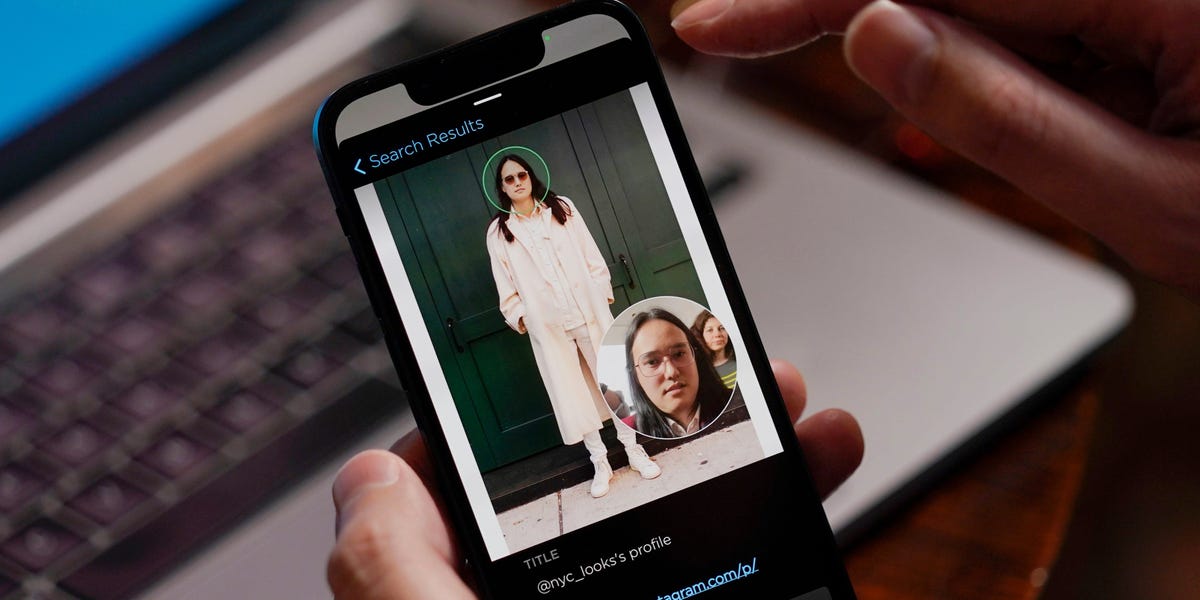
etc… adding millons more used by police and govs with face recognition soft.
Snowflake or steganographic comunication, works even in North Corea, encrypted messages are not a solution, because they always cause suspicion in countries with strong surveillance and censorship. VPN are not the solution either, even in occidental coutries, there are a lot of webs which are not accesible with a VPN or Proxy, mostly streaming sites, eg. Rakuten and others.

Also devs want to eat sometimes and for services there are few possibilities to create incommings, turning it in a paid service, put ads or using afiliate links which ay an revenue if the user use these. A no go are selling private user data which are the methodes of big corporations, this is the real problem. But it isn’t avoidable, when you block these that also those which use ethical methodes are affected. The solution is only a clear legislation making it illegal to sell private user data to third parties, out of control how these use or protect these. There isn’t any other. Privacy is a basic right, period. Traffiking with user and metadata is a crime.
Ads are needed to create incommings needed by an service, but legit are only contextual ads, but not personalized ones results of surveilance and profiling, worst if also used with tracking and metadata logging. This is the main reason why the use of adblocker and other filter measures are mandatory, sorry for those which use only contextual banners to create some incommings.

Fingerprinting isn’t allways synonym of the lack of privacy. But there are differences between fingerprinting for tracking and profiling reasons, which certainly is needed to block or to spoof, and tecnically data needed to show correctly the content of a page, eg the first public IP numbers to show the content in your lenguage, the fonts used, screen resolution, OS, browser engine…, all data which are the same for millon other users. We can block por complete the fingerprinting, but than we’ll see that half of the pages are not shown correctly or don’t even work. It’s always an commitment to set the fingerprint blocking. VPNs add an privacy layer, but dont avoid fingerprintings, used as extension can’t avoid that the browser connect first to the ISP before the VPN can create the tunnel, with which it may serve to skip country restrictions, but you are still seen by your ISP. It don’t also blocking the fingerprinting, except the IP. To stay private depends more on other measures, DNScrypt, not to use apps, search engines and services which logs/share our activity, using ad/trackerblocker… and the most important, common sense, not a tin foil hat. PEBCAK
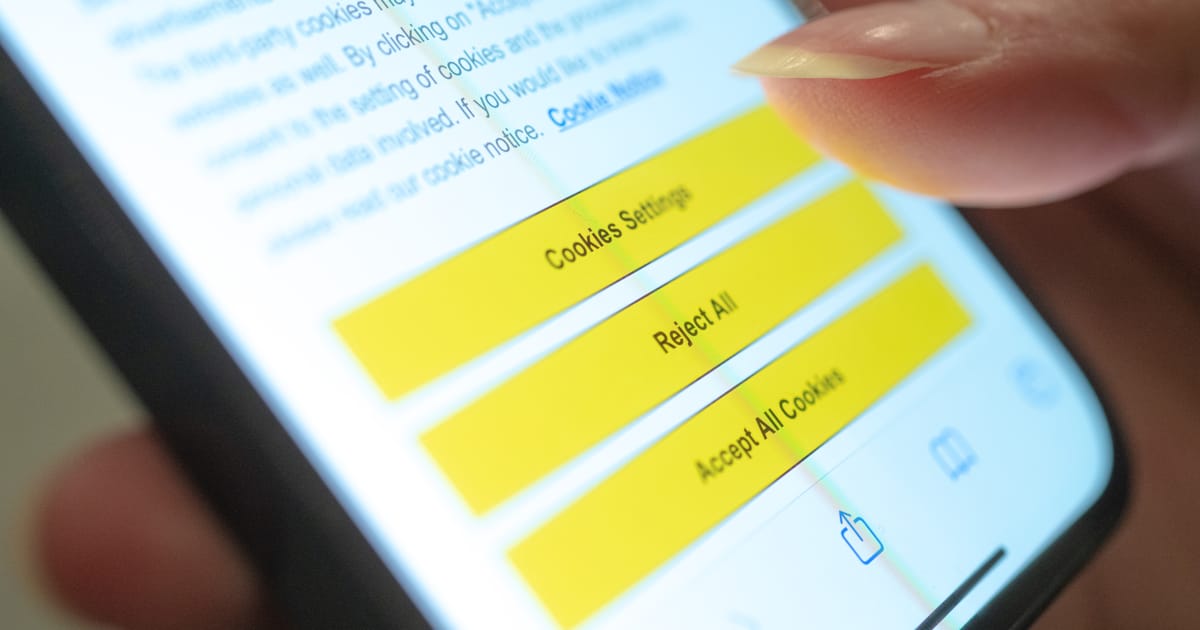
No, with this to what you say yes or no, you can set it in the browser instead in this Pop-up. All what you don’t want get blocked. This way you set it one time in your browser for all pages you visit. instead ov everytime in each page. The result is the same, but without annoying consent nags. With the GDPR all pages are forced by law to ask for your consents, before with this pop-up, and now following the consent settings in the browser. This is the only difference, less nags for the user. With the page permission settings and the adblocker, this crap anyway get blocked. So this consent window in any case is useless.
It’s not gutting it, it’s changing the system with same result. Instead of annoying cookie consent pop-ups, a setting in the browser with admissible cookies (same as in the pop-up) this way the unwanted cookies are blocked from the browser itself (apart of those which anyway get blocked by the adblocker and privacy settings). With this there isn’t needed anymore this pop-up. It’s a good idea, I think.
The Vaticane don’t fullfit the conditions to be an EU member, they have not signed the Declaration of Human Rights, nor have they officially condemned torture and the death penalty.
Aprivate tab protect nothing, it only prevents that other with access to your PC see which pages you have visited, the web pages see the same with or without privat tab. It’s often misunderstood what private browsing mean. If you want to browse private, there isn’t any other as using an Proxy or VPN, using Portmaster, Glasswire or Pi-Hole on desktop, adjust the site permissions in the privacy settings in your browser, than you can browse more or less private, if you also use an search engine which don’t log your activity. You can visit Browserleaks, there you can see how private you are.



- •
- 4M
- •















It depends if the VPN skip it or not, but a VPN can enter in conflict if your connection goes already over an proxy, which is probably the case in Startpage. There are are several proxy extensions in the stores, eg. CyberGhost, and VPNLY, if you activate both, they’ll give an error.